A: Yes. Book Taco partners with Clever through the Clever Library, though it does not currently operate as a district-level Clever application. Instead, teachers can add Book Taco directly from the Clever Library into their individual Clever Classrooms — no district-wide integration required.
How it works
Once a teacher adds Book Taco from the Clever Library to their Clever Classroom, Clever automatically shares roster data to create student accounts and give students instant single sign-on (SSO) access. Students can log in directly through Clever without needing a separate username or password.
This teacher-driven setup keeps implementation fast and flexible — classrooms can get started without waiting for a district integration process.
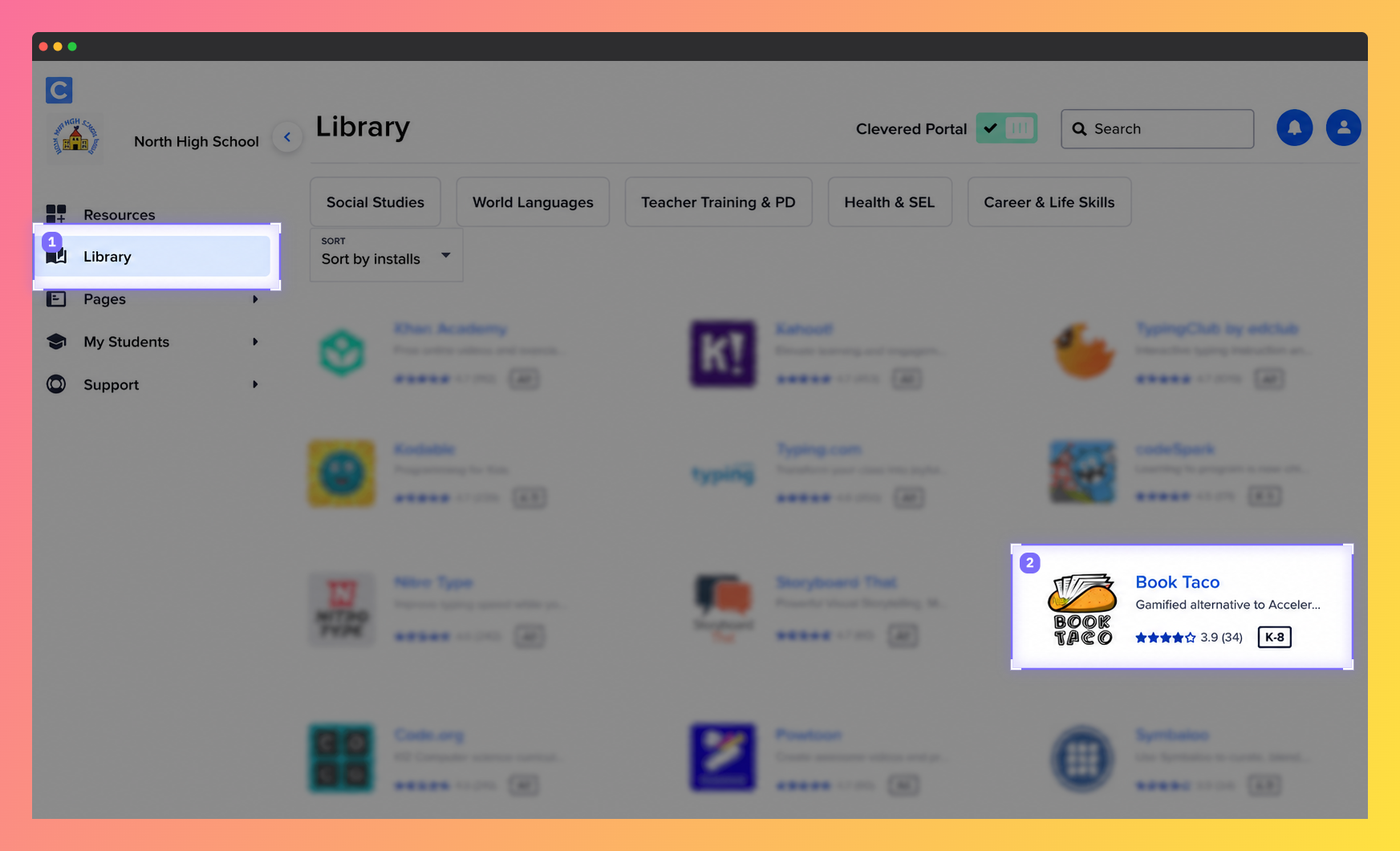
Screenshot of the Clever Library interface showing educational apps available for teachers and students, including the Book Taco app.
What if my district doesn't provide access to the Clever Library?
If your district does not offer access to the Clever Library, Book Taco supports two additional options:
- ClassLink integration — for schools using ClassLink for SSO and roster management.
- Bulk CSV upload — teachers can add students in bulk using a file with designated student usernames and passwords.
Was this article helpful?
That’s Great!
Thank you for your feedback
Sorry! We couldn't be helpful
Thank you for your feedback
Feedback sent
We appreciate your effort and will try to fix the article